admin
- Technology
- Kasım 15, 2026
- 0 views
How to Prepare Offline Maps Before a Trip
A map application can feel dependable until a weak signal interrupts it. Downloading an area before a trip can reduce that dependence, but offline maps do not always include every feature available online. A quick preparation check helps you understand what will remain useful when the connection disappears.

- Technology
- Kasım 15, 2026
- 1 views
Where to Place Your Wi-Fi Router for More Reliable Coverage
A fast internet plan does not guarantee a strong wireless connection in every room. The router still has to communicate with your devices through walls, furniture, and other obstacles. Before buying another device or changing your subscription, it is worth testing whether your router is simply in an unhelpful location.

- Technology
- Kasım 15, 2026
- 0 views
How to Build a Simple External Drive Backup Routine
Important files are often scattered across a computer: photographs in one folder, invoices in another, and unfinished work on the desktop. An external drive can hold a separate copy, but owning the drive is only the beginning. A useful backup routine makes it clear what is protected, when it was copied, and whether it can be restored.

- Technology
- Kasım 15, 2026
- 0 views
USB-C Cables Explained: Charging, Data, and Display Connections
Two cables can have the same USB-C connector and still behave differently. One may charge a phone successfully but transfer large files slowly. Another may support a display connection when used with compatible equipment. The shape of the connector tells you how it fits, not everything it can do.

- Technology
- Kasım 15, 2026
- 0 views
RAM and SSD Storage: Why They Solve Different Computer Problems
A computer that feels slow may need attention, but the phrase more memory can mean two very different things. RAM provides working space for active software. An SSD stores the operating system, applications, and saved files. Both influence the experience, but increasing one does not automatically solve a shortage of the other.

- Technology
- Kasım 15, 2026
- 0 views
A Practical Way to Manage Browser Tabs Without Losing Your Work
Browser tabs often become a temporary filing system. A product comparison sits beside an unfinished form, several reference pages, and yesterday’s unread article. The problem is not simply the number of tabs. It is the difficulty of remembering why each one is open and whether closing it would lose something important.
- Technology
- Kasım 15, 2026
- 0 views
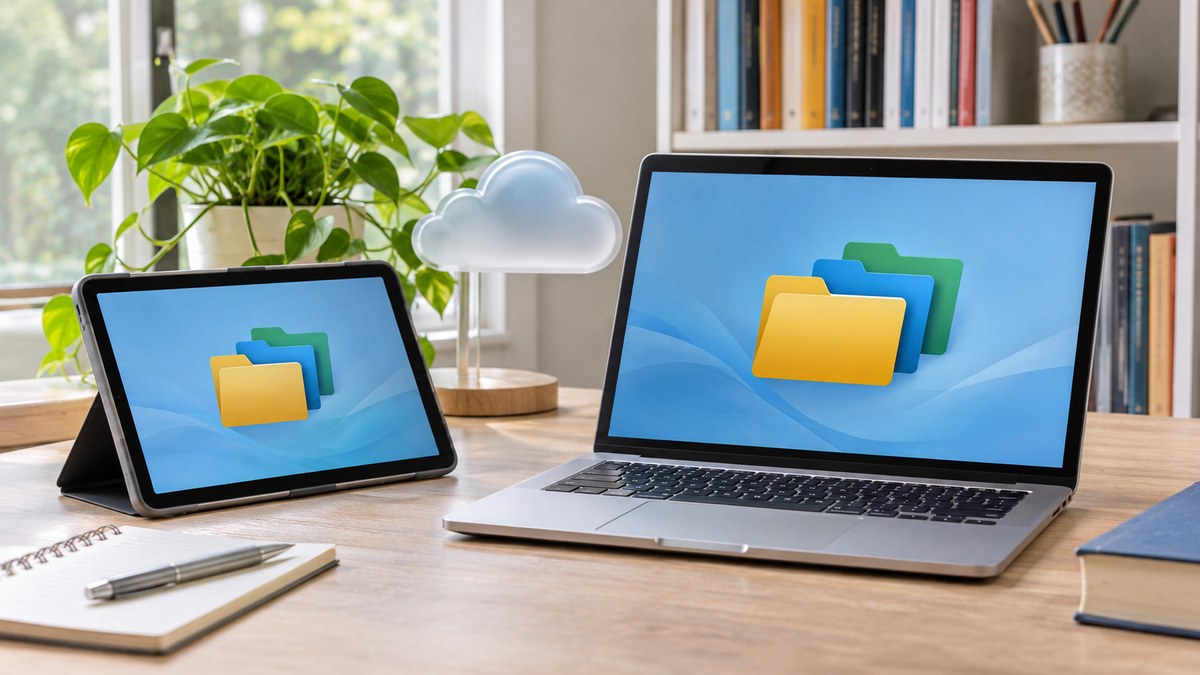
Cloud Sync and Backup: Understanding What Happens to Your Files
Saving a file in a cloud folder can make it available on several devices, but that convenience is easy to misunderstand. Synchronization tries to keep locations aligned. A backup provides a recovery copy or history. A service can offer both, yet the details determine what happens after a deletion or unwanted change.

- Technology
- Kasım 15, 2026
- 0 views
How to Organize a Digital Photo Library You Can Actually Find Again
A photo collection becomes difficult to manage long before the storage drive is full. Similar filenames, repeated downloads, screenshots, and edited copies can hide the image you want. A simple structure works best when it is easy enough to maintain after every trip or family event.
- Technology
- Kasım 15, 2026
- 0 views
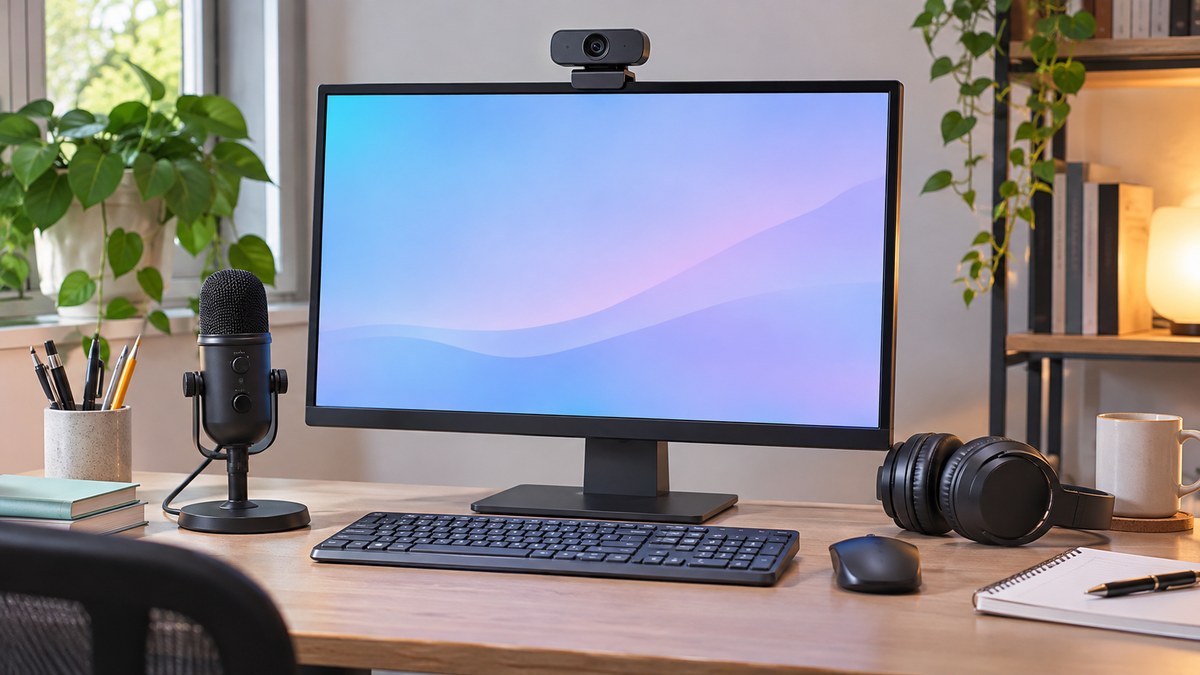
Improve Home Video Calls by Checking Sound, Light, and Connection
A successful video call depends on being easy to hear and see. A higher-resolution camera can help in some situations, but it does not fix an echoing room, a bright window behind you, or an overloaded connection. A short test before an important meeting can reveal the part that actually needs attention.

- Technology
- Kasım 15, 2026
- 0 views
E-Reader or Tablet? Match the Screen to Your Reading Habits
An e-reader and a tablet can both display books, yet they encourage different kinds of use. The most useful choice depends on what you read, where you read, and how much you need other applications. A long novel, a scanned textbook, and an illustrated magazine can place very different demands on the screen.

Monitor Resolution and Scaling: Making Text Comfortable to Read
- Kasım 15, 2026
- 0 views

A More Reliable Home Printing Routine for Documents and Schoolwork
- Kasım 15, 2026
- 0 views

Plan a Small Smart Lighting Setup Before Buying More Devices
- Kasım 15, 2026
- 0 views

JPEG, PNG, and WebP: Choosing an Image Format for Everyday Use
- Kasım 15, 2026
- 0 views